


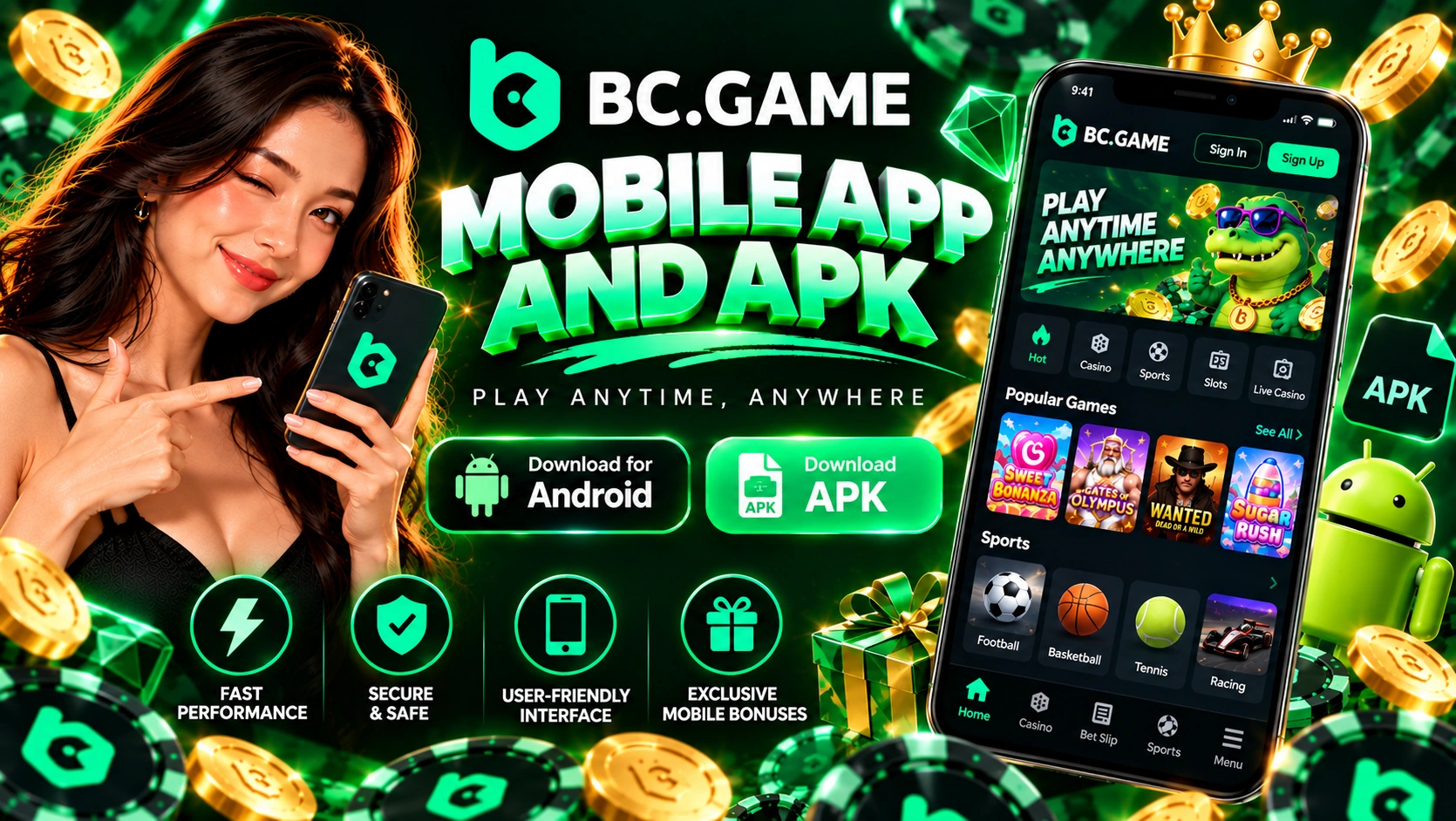
A Look at the BC Game Mobile Experience
Short answer first. Whatever device you hold, it’s one site rather than a smaller copy of it. Balance and bonuses go wherever you log in, so nothing needs carrying across by hand.
What’s that worth in a normal day? Rakeback claimed on the bus, a sports bet checked over lunch, a Crash round squeezed in after dinner. One account holds it all.
How the BC Game Mobile App Offers
Three choices exist to download BC Game, or simply run it, on a phone. Each suits a slightly different player, so pick by habit rather than by hype.
The Android way runs on an APK file. It comes off bc.game, installs like any sideloaded app, and then lives on the phone with an icon of its own. It’s the version that sends push notifications.
The iPhone way is a web app. Safari opens the site, you pin it among your other icons, and the job is done. It’s full screen with no Safari bar, and it refreshes itself. You never download a thing.
The third way is a mobile browser, any of them. You get the entire site with a browser frame wrapped around it. Fine for a quick look, less fine if you play every single day.
Key Features of the BC Game App
Why bother with an app at all? Because the small conveniences pile up once you play most evenings.
- A single tap opens it, and the login can stay remembered if you want.
- Wallet, bets and bonuses matching the website exactly.
- Live tables, Originals, sportsbook and the whole casino.
- A cashier holding 100+ cryptocurrencies, USDT and BTC among them.
- Push notifications, which come with the APK version.
- The Bonus section, home of the monthly offer and your rakeback.
- 2FA and passkey login, no different from the PC.
- An interface in Indonesian or English, your choice.
Android Downloading Instructions for BC Game
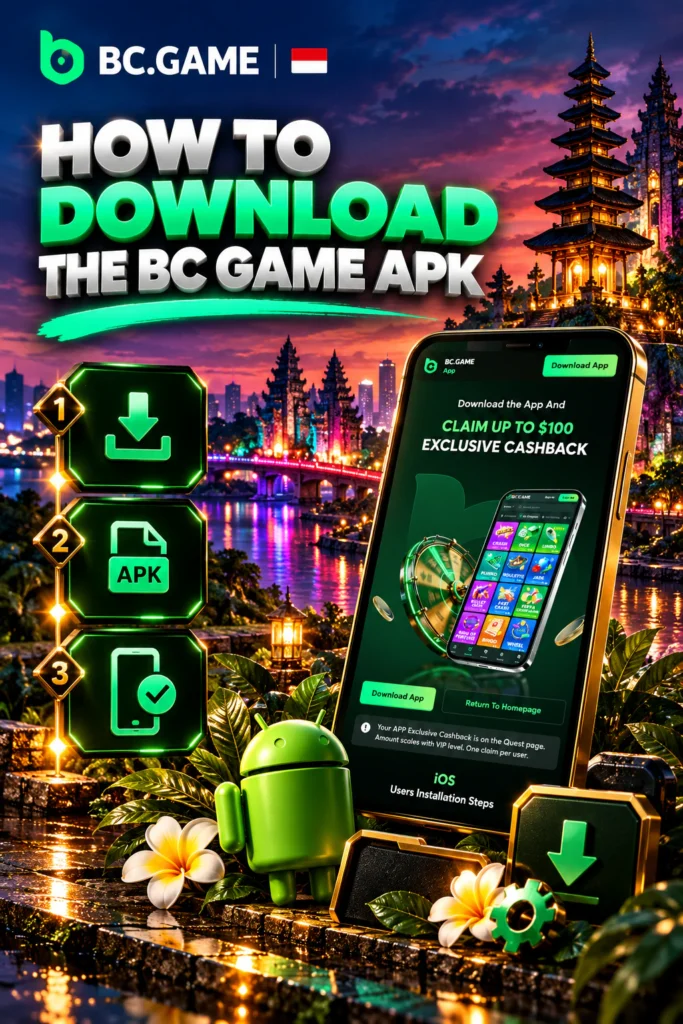
Five steps cover the BC Game download APK Android route, and the longest one is waiting for the file.
- Using Chrome, bring up bc.game and head for the Application tab, where the Android option sits.
- Locate the BC Game download APK link, press it, and wait.
- Android will object, so let Chrome put unknown apps on the phone.
- Tap the file once it’s complete and confirm.
- Open it, sign in. Telegram, Google, phone or email, whichever you registered with.
Steps done? Before any deposit, switch 2FA on. It lives under Security in Global Settings.
A Closer Look at Finding the Correct BC Game APK File
People ask me where the file lives, and my answer never moves. bc.game, and nowhere else. A BC Game download for Android grabbed off a forum, a Telegram chat or some APK catalogue is a different file. Repacking an APK takes no skill, and the added code can read whatever you type into it.
Here’s the catch for Indonesia. Under KUHP article 303, playing for money is against the law, and Komdigi shuts casino domains out. That’s the reason “link alternatif” gets typed into Google so often here. I write this as an independent guide with no link to the operator, and you carry the legal side yourself.
So where should a working address come from? Four channels, all run by the brand. Live chat, Telegram, the mirror page kept by the Help Centre, and [email protected]’s own emails. A genuine mirror shows your usual account, a fake one only copies the look.
A page shouting “latest version” proves nothing, because the brand hasn’t published APK size or version.
How to Approach Setting Up BC Game on an Android Phone
Android halts you once with a warning about unknown apps, which is normal. Follow the settings link inside that warning, allow Chrome, and go back to the file. Every BC Game download APK Android install meets this wall exactly once.
If it fails, check three things in this order. Free storage, an Android version of at least 5.0, and a download that actually finished. A file that cut off at 90% won’t install, so bin it and download again. This site’s APK page walks through each error message, so I’ll stop here.
Updates later follow the same path. A notice tells you a new build exists, you fetch the new APK off the site, and you install it over whatever’s there. Login and balance don’t move.
Key Information on Accessing BC Game on iOS Devices
iPhone owners ask me one thing first. Where’s the app? Apple’s store doesn’t have it, and no iOS file exists for you to download. What you get instead is a web app, through Safari.
Is that worse? Not by much. It uses the full screen, it remembers your login, and it refreshes itself as the site changes. The single requirement is iOS from version 11.0.
Setting Up an iPhone Home Screen Shortcut
This takes under a minute, and you only do it once.
- In Safari, not Chrome, bring up bc.game. The brand names Safari for this in its guide.
- Tap Share, the box with the arrow, near the bottom.
- Scroll the sheet, find “Add to Home Screen”, tap it.
- Give it a name you’ll spot and tap Add.
An icon now sits beside your other apps. Tap it and the site fills the display with the address bar gone, like an app would. Log in, turn 2FA on if it isn’t already, and you’re done.
Important Points About app Store Availability and iOS Alternatives
Why would Apple not list it? Apple, like Google, keeps real-money betting apps out of most countries. So the brand itself hands out the Android file, and iPhone users get the web app instead.
Spot something called BC Game in Apple’s catalogue? The brand didn’t make it. Someone else did, so don’t log in there and don’t fund it.
Your real iPhone options come down to two. The web app you pinned, or Safari with the site open in a tab. Playing more than once a week? For me, it’d be the pinned one.
Accessing BC Game on a Desktop or Laptop
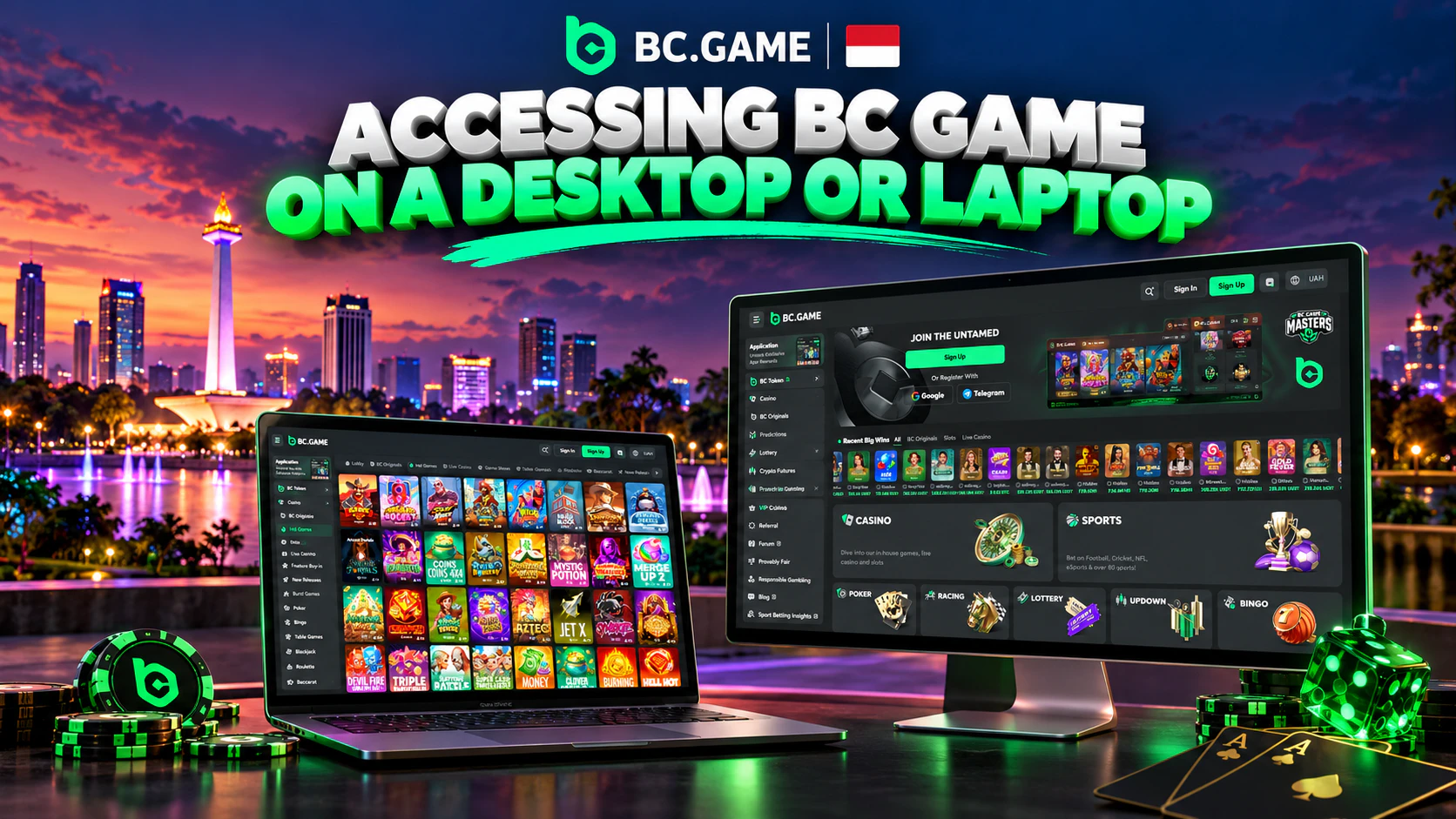
A computer needs nothing installed at all. You don’t download BC Game there, you open a browser and start playing. Edge, Firefox, Chrome, or Safari on a Mac, any will do.
Who’s better off on a PC? Anyone who wants a big screen for live tables, or several sports markets side by side. Checking a provably fair round is simpler with a keyboard too, since the seeds get pasted by hand.
How to Approach Browser-Based Access Without Installation
Type bc.game, click Sign Up or log in, and you’re playing. A password, Cwallet, passkey, Google or Telegram, same as the phone.
Fancy a desktop shortcut? Most browsers build one from their menu, after which a desktop icon brings the site straight up.
One habit I’d keep on a shared computer. Log yourself out when done, and never let the browser remember the password.
Benefits of Mobile Access to BC Game
What does a phone give you over waiting until you’re home?
- The account rides along, same balance wherever you are.
- Icon to lobby in a single tap.
- In-play bets, with cash out while the match runs.
- Android push notifications, so a bonus or a login alert reaches you at once.
- Google Authenticator codes on that same phone.
- Mobile data is enough, so Wi-Fi isn’t required.
One honest gap. No session-time reminder exists in the account, on any device. If you lose track of hours on a phone, set a timer before you start.
| Way to play | Speed | Convenience | Features | Accessibility |
| Android APK | Quick start, loaded once | One tap, login remembered | Everything, push notifications included | Android 5.0 at minimum, APK fetched off bc.game |
| iPhone web app | Quick, reloads from the web | One tap, full screen, no bar | Everything, with nothing to update | iOS 11.0 at minimum, pinned via Safari |
| Mobile browser | Same site inside a browser frame | Address typed each visit | Everything | Any phone running a current browser |
| PC browser | Set by your connection | Shortcut via the browser menu | Everything on a big screen | Any computer running a current browser |
A Practical Guide to device and Software Requirements
The brand keeps this part brief in its guide. A BC Game download for Android wants Android at 5.0 or higher, and the web app wants iOS at 11.0 or higher.
What about file size? Unpublished, and guessing would help nobody. Keep a few hundred megabytes free regardless, as the install needs room to unpack.
Your connection matters more than your hardware. Live tables stream video, so shaky 4G stutters there long before a slot suffers.
| Platform | OS Version | Storage | Internet | Notes |
| Android phone, tablet | 5.0 at minimum | APK size unpublished, leave room | Data or Wi-Fi | Chrome needs leave to install outside apps |
| iPhone, iPad | 11.0 at minimum | Next to nothing, it’s a web app | Data or Wi-Fi | Added via the Share sheet in Safari |
| PC, laptop | Whatever runs a current browser | None needed | A steady line | Optional desktop shortcut |
Important Points About payment Options for Indonesian Users
Money here moves as crypto. You tell the cashier the coin and the network, and it hands you an address to send to from whichever exchange or wallet holds the coins. Deposits carry no platform fee, only the network’s own charge.
Say 26 USDT leaves your exchange on TRC-20. The cashier side must read TRC-20 as well, or that money never shows up. Both sides must name one network, include whatever memo or tag the coin uses, then wait for however many confirmations the cashier wants.
The bonus? Put in 11 USDT as the month’s first deposit and the 180% stage kicks in. That’s 19.8 BCD, credited locked, and it releases slowly while your bets settle. You enter no code, and once the deposit lands you claim it via the Bonus section.
And IDR? For Indonesian players, the brand’s guide mentions OVO, GoPay, QRIS, DANA and local bank transfers. Believe it once those names turn up in your Fiat tab, not before. Partners change, and since no IDR minimum or timing is published, I’m not inventing one.
Withdrawals head back to a wallet of yours. Go to Wallet, then Withdraw. Pick the coin, pick its network, paste in the destination, type how much, add the 2FA code. The platform’s cut is 0.1%, with the network fee on top, so sending out 54 USDT costs roughly 0.05 USDT before the chain’s charge. A floor applies as well, near 10 EUR worth on big coins. The cashier states the per-coin figure. Bet your deposit through once, or it can’t be withdrawn. Once approved, crypto usually arrives inside an hour, often in minutes, while a big payout first sits with a human, which means at least an hour and up to six.
| Method | Min Deposit | Max Deposit | Processing Time |
| USDT (TRC-20 and others) | Varies by network, cashier shows it | None published | After the chain confirms |
| BTC | Cashier shows it | None published | After the chain confirms |
| DOGE, LTC, SOL, TRX, ETH | Differs by coin, cashier shows it | None published | After the chain confirms |
| First bonus stage, any coin | 5 USD worth | None published | As the coin above |
| IDR, Fiat tab | Only where it shows in your Fiat tab | Only where shown | Processor dependent |
How to Check Safety of a BC Game Download
My rule is short. If no official domain or official mirror stands behind the file, I don’t install it. Any other BC Game download APK came from a stranger. Glance at your address bar before tapping download, then at the source line your browser shows beside the file.
What marks out a fake? Usually one of these.
- Extra hyphens or spare letters squeezed into the domain.
- A country name welded onto the domain, “indonesia” or “id” for example.
- No padlock, meaning no https.
- Anybody who wants the seed phrase from your wallet.
- A fee before you may withdraw or get your account back.
- A bonus dangled in exchange for sending funds somewhere first.
The real site won’t ask for your seed phrase, ever, and it charges nothing to give an account back. Look at the footer. Twocent Technology Limited, the operator, is printed there beside licence ALSI-202410011-FI1 of Anjouan.
Two free habits. Turn 2FA on, found in Security under Global Settings. Write the recovery key down on paper, never on that phone. Update each time the app asks.
Fixing Common Download Problems
Most trouble arrives within ten minutes of the download, and nearly all of it has a boring cause.
Steps to Check When APK Installation Fails
Read what Android tells you. A warning about unknown apps means your browser lacks permission, so open the settings link inside that warning and grant it.
“App not installed” tends to mean one of three problems. A partial file, a full phone, or an older build blocking the way. Delete the file and download it a second time. Free some storage. If the old version rejects the update, remove it, install the new file and log in again.
Still stuck? Reboot the phone and retry before bothering support. Live chat runs day and night. An agent there can confirm the current file.
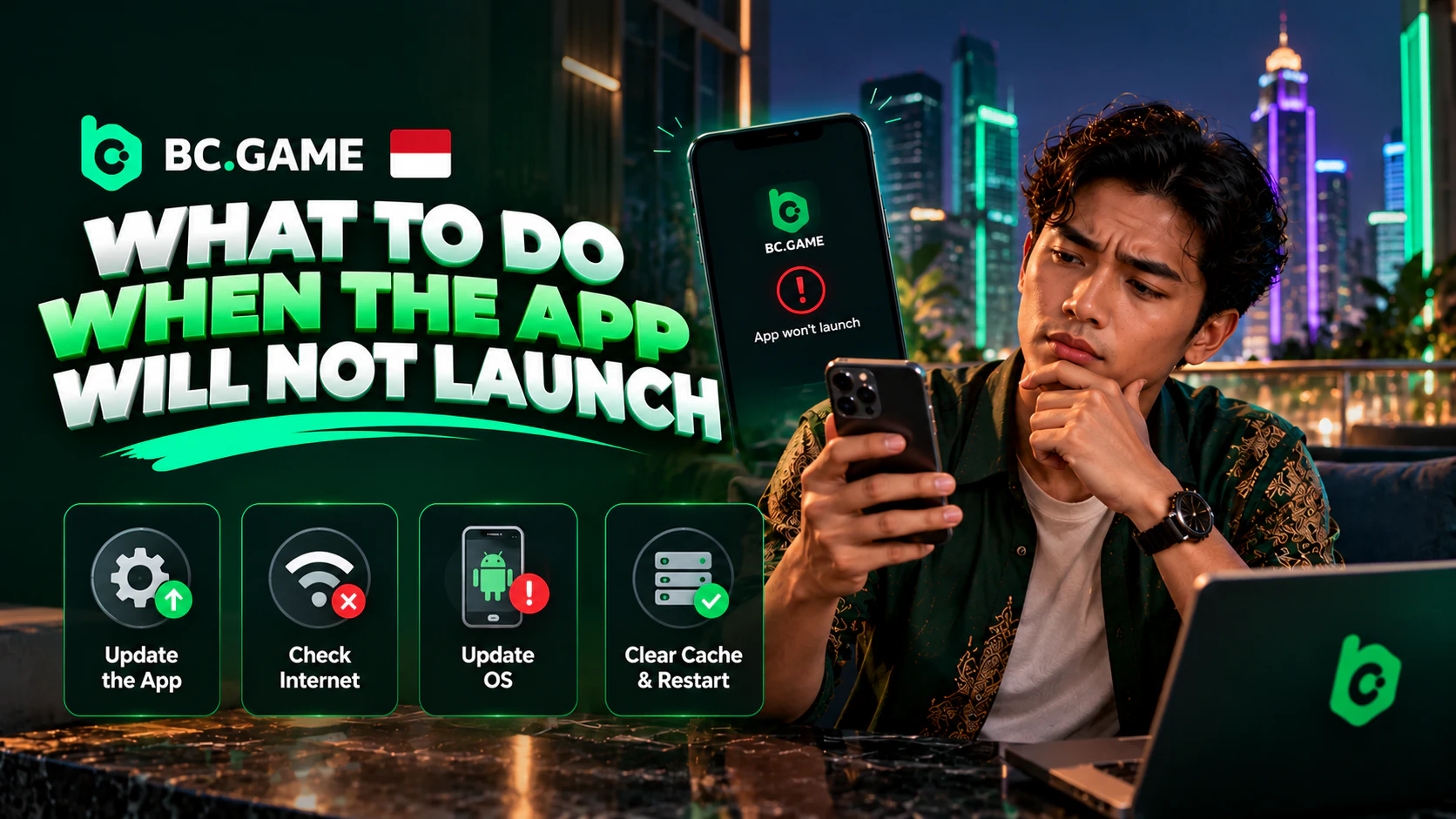
Steps to Do When the App Will Not Launch
The app opens and shuts at once, or it hangs on a blank screen. Now what? Check your connection first, since the lobby loads from the internet. Turn Wi-Fi off and use 4G, or the other way round, then retry.
Then look at the Android version. The app may install yet refuse to start if the phone’s Android predates 5.0. Then look for an update, because a build that’s months old can break when the site moves on.
No luck? Wipe the app cache from Android settings. As a last resort, remove the app, fetch a fresh APK and reinstall it. Nothing gets lost, since the account sits server-side.
