


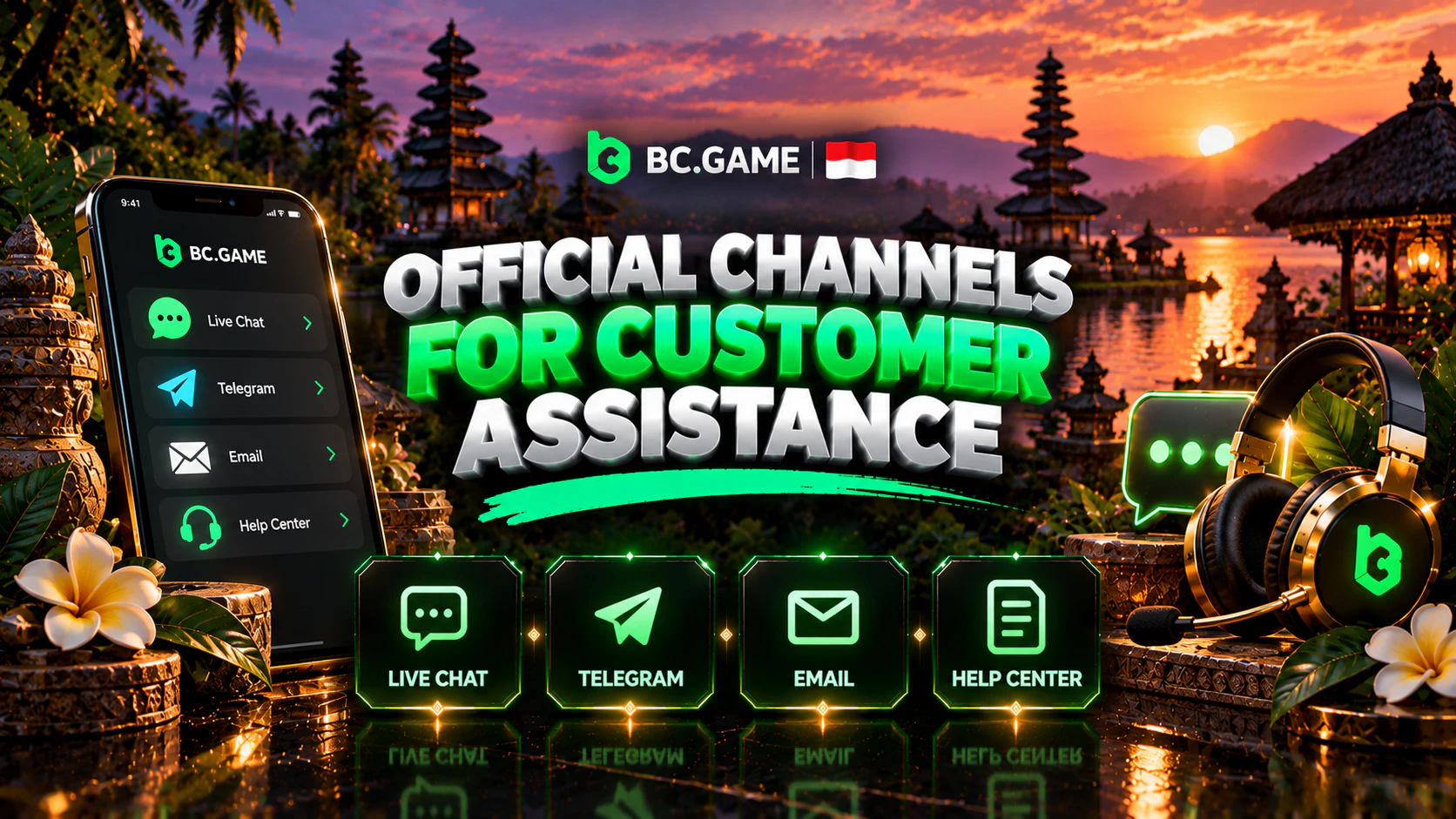
Methods to Reach the BC Game Help Team
Short answer first. There are four real ways in and no fifth, namely chat, email, the Help Centre and Telegram. A phone line doesn’t exist, and it never did.
Why does that matter? Because the fakes look real. That WhatsApp number calling itself BC Game CS is fake, whoever sent it to you.
| Channel | Best for | Good to know |
| Live chat | Anything that needs an answer now | Open 24/7, English is the usual language |
| [email protected] | Closures, KYC papers, a written record | The newsletter and mirror emails come from here too |
| Help Centre | Reading before asking, the mirror list | No waiting, no agent |
| Official Telegram | News, promo codes, the current mirror | One way, not a support desk |
Verified Support Channels for Customer Assistance
I’d treat this list as the only list. If a “support” contact isn’t on it, it’s noise, and that includes Facebook pages, Instagram accounts and “agents” in group chats.
How do you tell the real chat from a copy? Log in first, then open the chat from there. Real means the bc.game domain, or one of the mirrors the Help Centre names. A chat window on some other site isn’t theirs, whatever the logo says. Licence ALSI-202410011-FI1 is in the footer, so compare it.
How to Get Assistance Through Live Chat
I’d start in the chat for almost everything. It’s open day and night, so 03:00 WIB is as good as noon.
- Log in first, so the chat knows which account you mean.
- Find the chat icon, usually in a corner or in the app menu.
- Write the problem in one or two lines, then the details.
- Paste the hash or order ID if money is involved.
- Stay in the window until the agent confirms what happens next.
What makes a chat go badly? Opening with “it doesn’t work” and nothing else, so the agent has to drag the details out of you. Say what you did, what you expected, and what you saw.
Sending a Support Request by Email
Email is the slower lane, and that’s fine for some things. Use [email protected] to attach documents, close the account, or keep a written trail.
Put your username in the first line, then the problem, when it started, and what you’ve tried. One email per problem beats one email with five problems. And never send a password by email.
When to Contact Customer Assistance
Not every problem needs a person. A deposit waiting for network confirmations will usually land on its own, and a payout that’s a few minutes old is simply in the queue.
Here’s when I would write. Money that should’ve arrived and hasn’t, or a bonus that’s missing after you did everything right. Add a login method that stopped working, a game that froze mid-round, and anything about identity checks.
| Problem | Where to go | Have ready |
| Deposit not showing | Live chat | Coin, network, transaction hash |
| Payout stuck past an hour | Live chat | Amount, coin, time sent, status in history |
| Lost 2FA device | Live chat, then email if asked | Username, registered email |
| KYC refused | Email, since documents go there | The rejection email, fresh photos |
| Bonus not credited | Live chat | Deposit amount, date, which stage you expected |
| Closing the account | Email or live chat | Username, a clear request |
Assistance With Account Access Problems
Most login trouble isn’t a bug, it’s the wrong method. Password, Google login, Telegram, passkey or Cwallet. Five ways in, and people forget which they picked.
Lost your 2FA phone? That’s a support case, not a forum question. Tell the chat the device is gone and they’ll say what they need. Those steps aren’t public, and I’d rather say so than guess like the strangers selling a “recovery method”.
Support won’t change two things, the email or the username. They stay as you set them on day one. Reset the password or switch off 2FA, and payouts freeze for a day by design.

Key Information on Support for Deposits and Withdrawals
Deposit didn’t show up? Check two things before you write. Did the network match on both sides, TRC20 to TRC20? And does a block explorer show the hash as confirmed? If both look right, go to chat with the hash. Wrong network means no credit, and support will tell you the same.
After approval, crypto normally leaves within the hour, often inside five minutes. A large one gets looked at by a person, which the brand puts at one to six hours. Past that, write, and the agent will usually name one of four causes. KYC, a bonus that hasn’t released, a bad address, or the freeze after a security change.
A payout costs 0.1 percent plus network, and VIP 38 wipes the brand’s part of that.
Answers on Reward Terms and Promotions
The monthly deposit bonus has no code. You deposit crypto, go to the Bonus section and press claim. The first deposit gets 180 percent, the fourth 360, and the minimums run from 5 USD up to 30. It arrives as BCD, locked, at one BCD to one USD, and comes free gradually as you bet.
So what do people ask support about? Mostly “where’s my bonus”. Most of the time nobody clicked claim, or the money is there but locked.
Promo codes fail for three reasons, expired, activations used up, or not meant for your account. Support can say which, but won’t hand out a new one. VIP lossback is something you ask support for too.
Important Points About support During Account Identity Checks
Nobody asks for ID at registration. KYC runs on risk, not on a schedule. You may never see it, or it may pop up when a big payout is pending. When it does, support is where to ask.
What support can do is explain what’s needed and check where your case stands. What they can’t do is skip the check or approve it over chat because you asked nicely.
A Closer Look at Reviewing Submitted Identity Documents
At the basic level you photograph your ID, front and then back, and take a selfie from five different angles. The advanced level adds one more paper, a proof of address, and anything over three months old is refused. There are six attempts in total, and each failed one gets an email explaining why.
Why do documents get refused? Usually it’s the photo itself. Read that email before you resend, because it says which part failed.
- Shoot in daylight, flat on a table, all four corners in frame.
- Don’t edit or compress the photo before uploading.
- The name on the document and the name on the account must match.
How to Approach Guidance on Know Your Customer Checks
Stuck mid-check? Ask the chat where it stands, with your username. Agents can see if a document is pending, refused or accepted, and that’s often all you need.
After several failed tries, stop and email before you burn the rest. Nobody publishes a review time, and guessing one wouldn’t help you.
Solutions for Platform Technical Issues
Technical problems split into two kinds. Either nothing opens, or it opens and something inside acts up.
Indonesian law (KUHP 303) treats money gambling as illegal, and Komdigi keeps blocking the domains. Its licence is Anjouan’s, and Indonesia has never issued one. That’s where the link alternatif searches come from. Ask the chat agent for a mirror, or open the Help Centre and read its list. Telegram and the support newsletter carry them too.
A Practical Guide to solving Website and Mobile Access Errors
Site won’t load? Your first stop is the Help Centre and its mirror list. A mirror is the same site under a different name, your login and money included. Never take a mirror address from a forum post or a stranger.
App won’t start? Load the site in a browser first, which tells support if the fault is in the app or the account. If the app is simply old, bc.game has the new APK, and it installs on top. Never a catalogue copy.
Important Points About assistance With Game Functionality
A game froze, so did the bet count? Don’t reload and bet again, open your bet history first. The round is either settled or it isn’t, and that’s the fact support will work from.
For BC Originals there’s a second tool. Every Originals round shows its seeds and nonce. When it’s over, use them to verify that round and see if the result holds up. That settles the fairness worry, which is often the real one.
Assistance With Responsible Gaming Measures
The responsible gaming tools live in your own account, not with support. Support comes in at the edges, mostly for ending self-exclusion.
If it stopped being fun, say so in the chat. Gambling Therapy is free, online help. Your puskesmas is the place for a doctor or psychologist referral.
How to Request a Break or Self-Exclusion
You don’t request it, you set it. Durations go from one day up to permanent, and six months, one month and one week sit in between. A day’s cooling-off comes first, and after it nobody can cut the block short. No chat agent will undo it.
Want back in once the period ends? That’s one for email, so email [email protected] and ask. Nobody states how long reactivation takes, and a temporary block ends on its own date anyway.
Key Information on Finding Information About Play Controls
Your account has a panel called Set Gambling Limit. Bet limits and loss limits live there, set by the day, the week, the month or the quarter.
Two things it doesn’t have. A deposit limit is missing, and so is any nudge about how long you’ve been playing. For either, use a phone timer. The account statement does show deposits, payouts and play time, so read it once a week.
A Practical Guide to how to Make Your Support Request Clearer
A good request is short at the top and detailed below. First line, what’s wrong. Second line, when it started. Then everything the agent would otherwise have to ask you for.
- Your username, never your password.
- Date and time, marked WIB so the agent can convert.
- Coin and network for anything to do with money.
- The hash or order ID, pasted, since retyping adds mistakes.
- The exact error text, if there was one.
- What you already tried.
Sending Correct Registration Details
The account hangs on whatever you chose at sign-up, and support matches you by it. Write from the email on the account. A different address can’t be matched, and the agent will send you back to the chat.
If a sign-up never finished, say if the confirmation code arrived and what happened after you typed it in.
A Closer Look at When Screenshots or Documents Are Useful
A screenshot helps when the problem sits on the screen. An error text, a bonus panel showing the wrong number, a game that froze. Crop out anything not needed, and never include a 2FA code or a password field.
Documents are for KYC and only when asked. Don’t attach your passport to a deposit question. For money problems the hash beats a screenshot, because the agent can look it up directly.
How to Approach Keeping Support Conversations Secure
Here’s the awkward part. Support is the one place where sharing details is expected, and that’s exactly what scammers copy.
Your password, 2FA code and seed phrase are useless to a real agent, who won’t ask for them. Not in chat, not by email, not “to verify you”. If anyone asks, you’ve left the real channel.
Key Information on Avoiding Disclosure of Sensitive Credentials
| Fine to send | Never send |
| Username | Password |
| Registered email address | 2FA codes from the app |
| Transaction hash, order ID | The 2FA backup key |
| Coin, network, amount | A wallet seed phrase |
| Screenshots with codes cropped out | ID photos, unless KYC asked |
| Game name, time, round ID | Card or bank details |
Keep your 2FA backup key where you’d keep cash, and don’t paste it anywhere. If a password has already gone to someone, change it right away. Yes, that freezes payouts for a day, and it’s worth it.
A Practical Guide to verifying Official Support Contacts
Someone sent you a link or a contact. How do you check it? Look at the domain first. Extra letters, a hyphen, or a country word like “indonesia” stuck on the end are the usual tells. Then the padlock, because no https means no deal.
- Any interest in your seed phrase or backup key.
- A fee to “release” or “free” a blocked account.
- Someone promising a bonus once you send money first.
- A phone number or WhatsApp for “BC Game CS”.
- A support chat on a site other than the one you logged into.
Only the real site’s footer, with company name and licence number, counts as proof.
Important Points About issues Most Often Referred to Support

If I had to rank what people write about, money comes first, meaning a deposit on the wrong network, a payout waiting on a manual check, or a fee that looked too high. Bonuses come next, mostly the unclaimed or locked kind, then logins with lost 2FA, then KYC with a refused photo.
A Closer Look at the Role of Assistance in Player Experience
Running since 2017 under Twocent Technology Limited, with an Anjouan licence, the site serves many countries and offers Indonesian as an interface language. A help desk at that scale lives and dies on what you send it. Give the agent the hash and the time, and most cases are short.
Final Overview
Four real channels, no phone. Chat for anything live, email for documents and closures, the Help Centre for reading first, Telegram for news and mirrors. Before you write, gather your username, the time in WIB and any hash or ID. Keep passwords and codes to yourself. Limits and terms move, so trust what your account shows today.
